Blogs
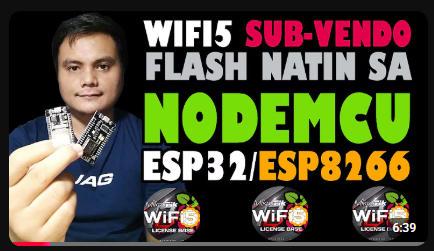
PAANO MAG FLASH NG WIFI5 SUBVENDO SA SIMPLENG PARAAN
In this video, I’ll show you **how to flash your WiFi5 Sub-Vendo in a simple and easy way**. Follow this quick step-by-step guide to properly prepare and set up your Sub-Vendo. ✅ Easy Flashing Process ✅ Step-by-Step Guide ✅ Beginner-Friendly ✅ WiFi5 Sub-Vendo Setup
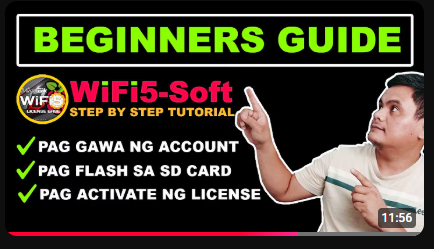
WiFi5-SOFT: CREATE ACCOUNT, FLASH AT MAG ACTIVATE NG LICENSE
In this video, we show you the step-by-step process of **creating a WiFi5-Soft account, flashing the system, and activating your license**. ✅ Create an Account ✅ Flash WiFi5-Soft ✅ Activate the License ✅ Easy Step-by-Step Setup Perfect for new **WiFi5-Soft PisoWiFi users**.

HOW SUB VENDO WIFI5-SOFT COMBINED TO MAIN VENDO
In this video, we demonstrate **how a WiFi5-Soft Sub-Vendo is connected and combined with the Main Vendo**. Learn the basic setup, connection process, and how multiple Sub-Vendos work together under one Main Vendo system. ✅ Easy Setup ✅ Multiple Sub-Vendo Connection ✅ Centralized Management ✅ WiFi5-Soft System

WiFi5-SOFT: CHANGE RATES / BANDWIDTH / PASSWORD /MAKE VOUCHER/SALES MONITORING
**WiFi5-SOFT – Easy PisoWiFi Management** Easily manage your PisoWiFi system in one place. Change **rates, bandwidth, and passwords**, create **vouchers**, and monitor your **sales** anytime. ✅ Change Rates ✅ Control Bandwidth ✅ Change Password ✅ Create Vouchers ✅ Sales Monitoring **Simple, fast, and easy to manage!**
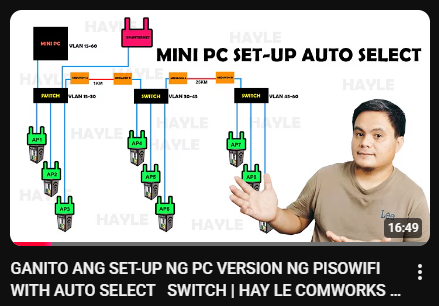
GANITO ANG SET-UP NG PC VERSION NG PISOWIFI WITH AUTO SELECT SWITCH
In this video, I demonstrate how to set up the **Auto-Select feature using our tested and reliable WiFi 5 software**. You’ll learn how to: ✅ Set up multiple Sub-Vendos ✅ Configure the Auto-Select feature ✅ Connect and manage multiple Sub-Vendos easily ✅ Understand how Auto-Select works in an actual setup A simple step-by-step guide for **Mini PC PisoWiFi users**.
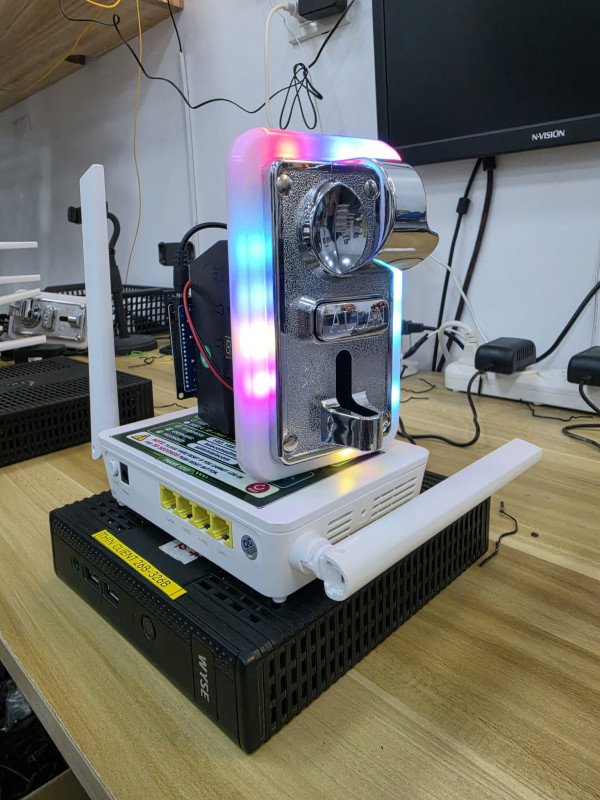
How to Set-up Mini Pc Pisowifi for Beginners
**Mini PC PisoWiFi** is a compact, reliable, and easy-to-use solution for your PisoWiFi business. Designed for stable performance and efficient operation, it supports multiple vendo connections and is ideal for both new and existing PisoWiFi operators. ✅ Compact & Power Efficient ✅ Easy to Set Up & Manage ✅ Stable PisoWiFi Performance ✅ With License & Online Support ✅ Perfect for Your PisoWiFi Business
Recent Posts
WiFi5-SOFT: CREATE ACCOUNT, FLASH AT MAG ACTIVATE NG LICENSE
WiFi5-SOFT: CHANGE RATES / BANDWIDTH / PASSWORD /MAKE VOUCHER/SALES MONITORING
How to Set-up Mini Pc Pisowifi for Beginners